

01
Upload images and videos.
Keep your materials in the STUDIO library so you can find them when preparing a campaign.
DIGITAL SIGNAGE · BY AV TECH
Update promotions at one or more locations from your browser, without travelling there. Choose what each screen shows and when it changes.
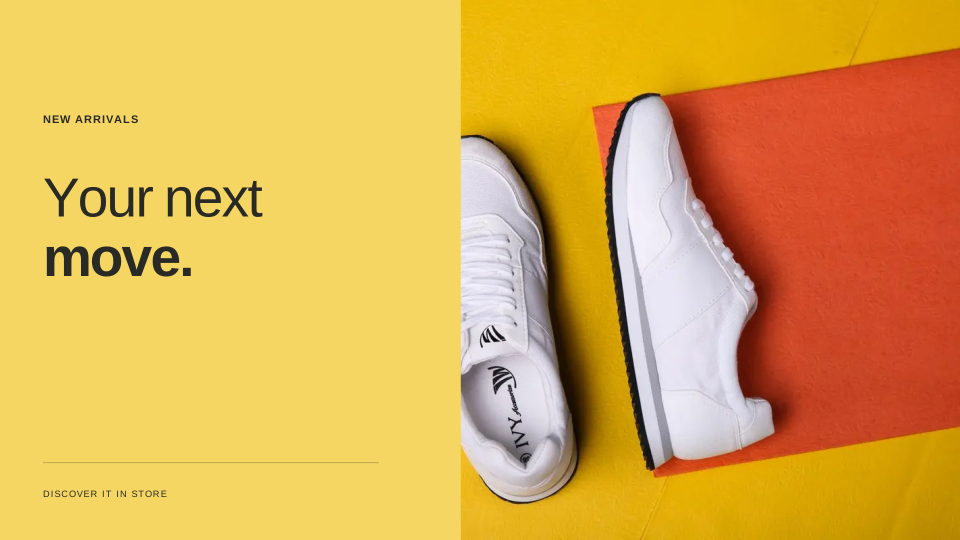
Product visualisation · demo content
FROM FILE TO SCREEN
Keep your materials in the STUDIO library so you can find them when preparing a campaign.
Combine pieces, set their order and duration, and reuse the playlist in future campaigns.
Assign the playlist to screens at each location. Set the days, times and campaign start and end dates.
INSIDE STUDIO
Check screen status, prepare campaigns and manage team access from your computer or phone.
What is playing, where and its status. A view of your entire network.
The real STUDIO console · demo accountSCHEDULE BY TIME SLOT
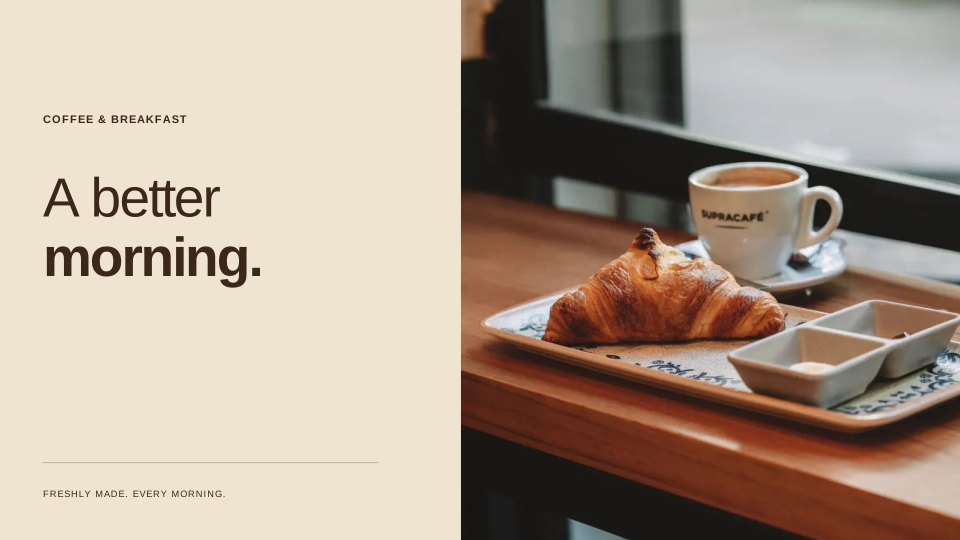
Prepare a playlist for each service and assign it a time slot. The screen switches content when the next slot begins.
A RESTAURANT EXAMPLE
Content stored on the player
BUILT TO KEEP GOING
The player stores downloaded content locally. If the internet drops, it keeps playing its schedule and syncs again when the connection returns.
AV TECH PROJECTS
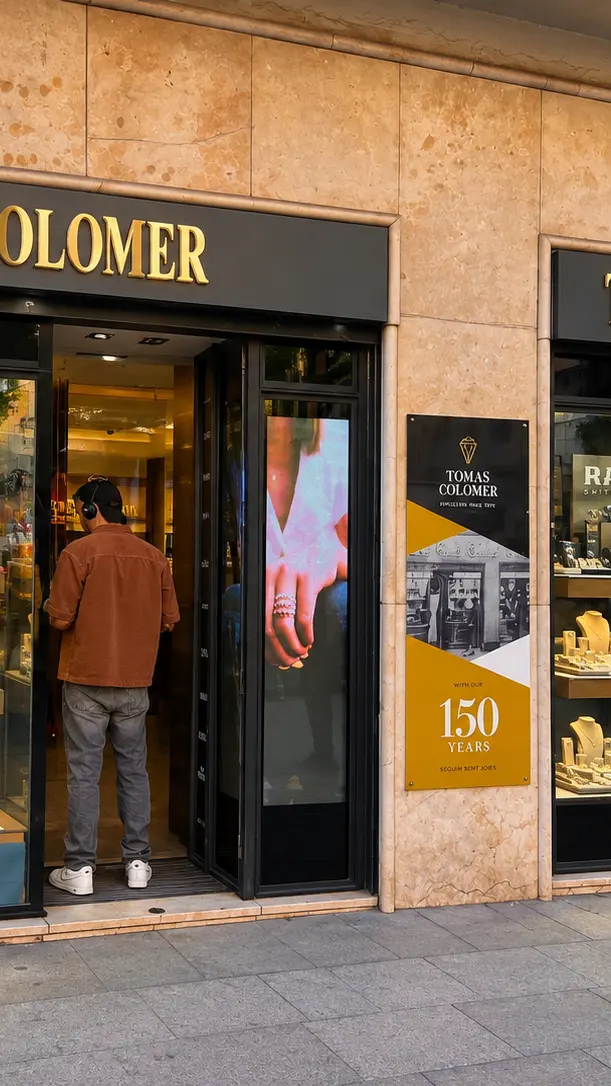
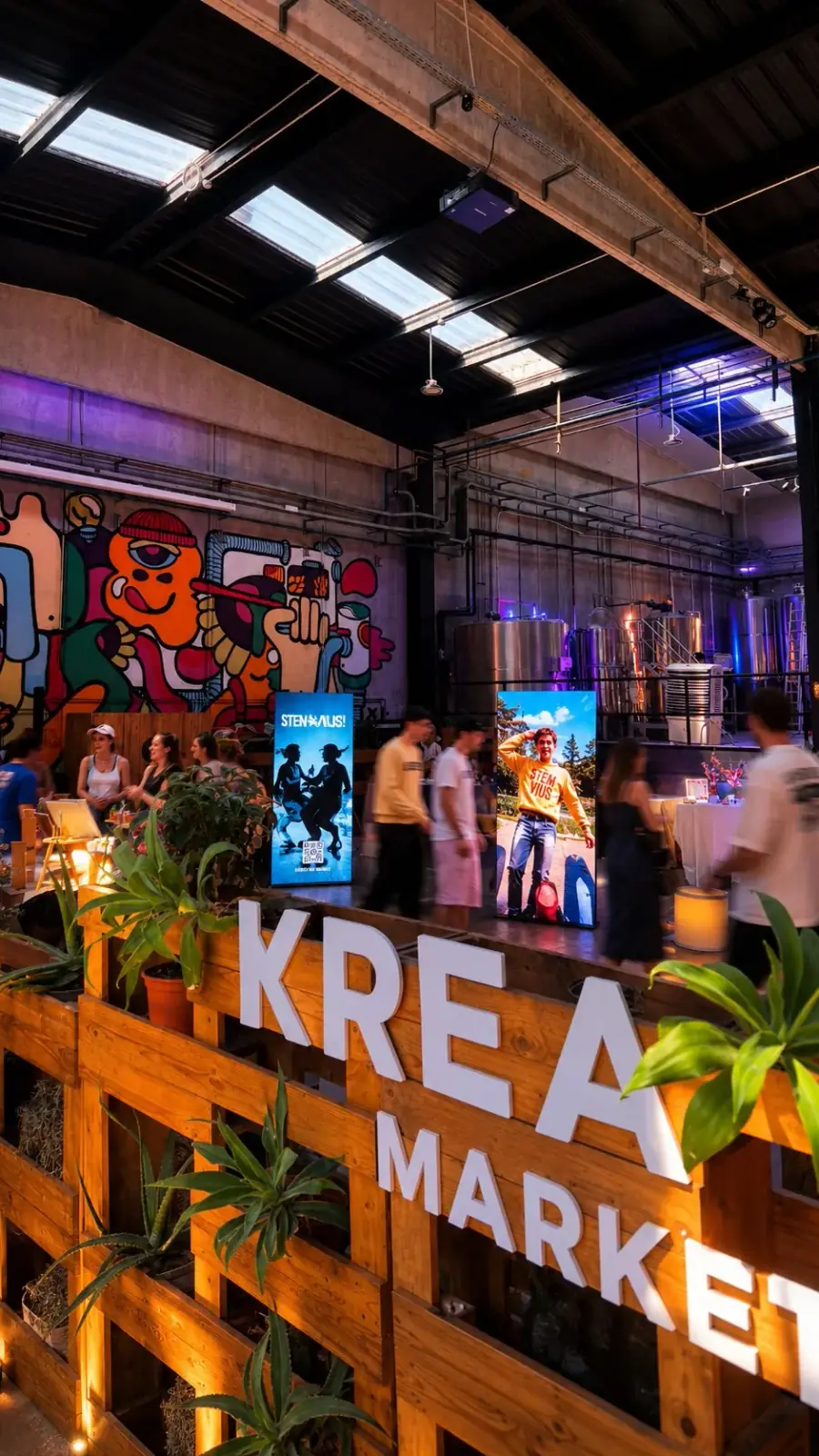
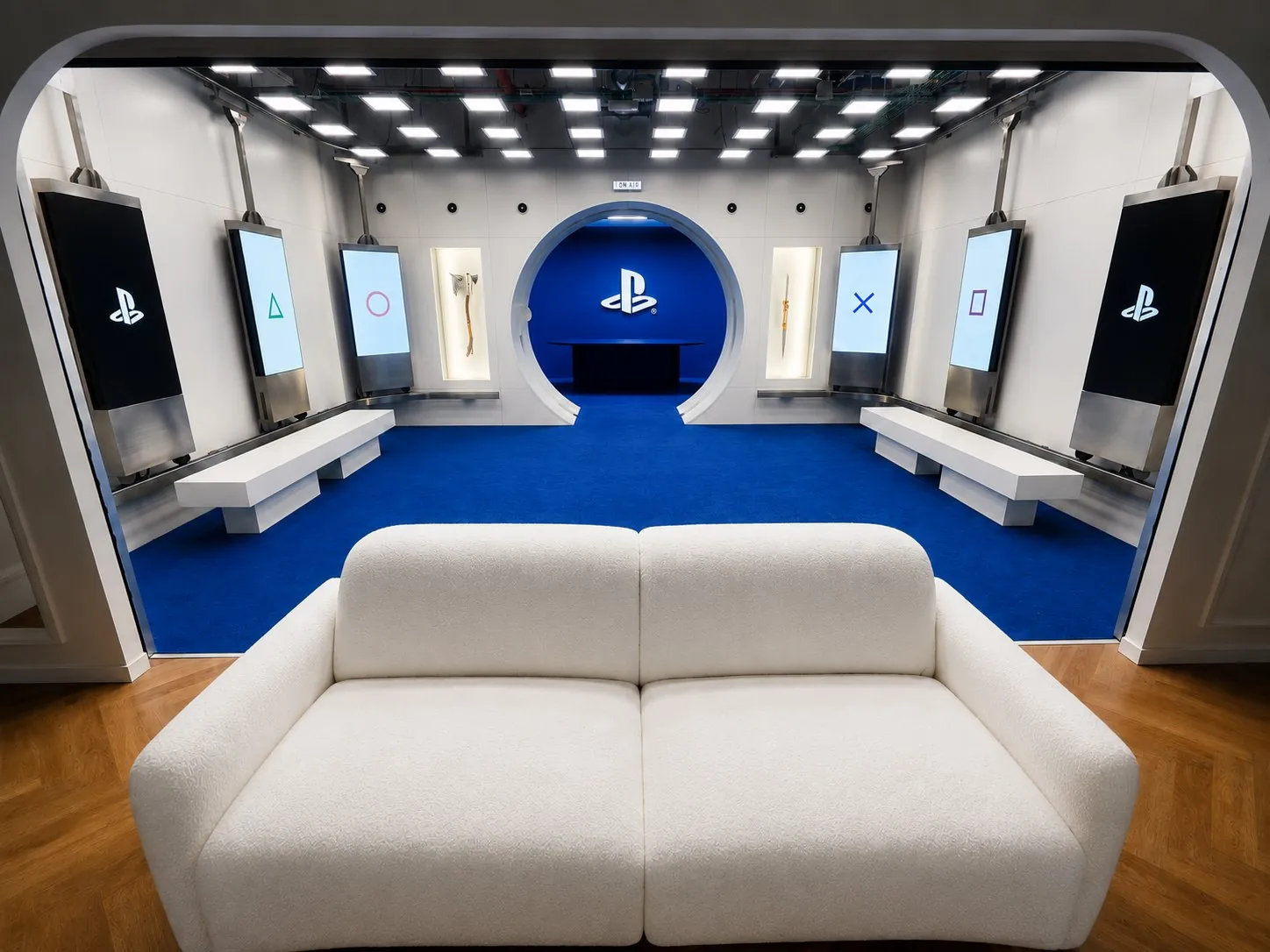
Installations and content we have produced for shops and events. See how a screen fits into a real space.
ONE TEAM, FROM START TO FINISH
AV TECH is your point of contact for screens, content and support. We can help you choose the equipment, get it running and prepare the campaigns that follow.
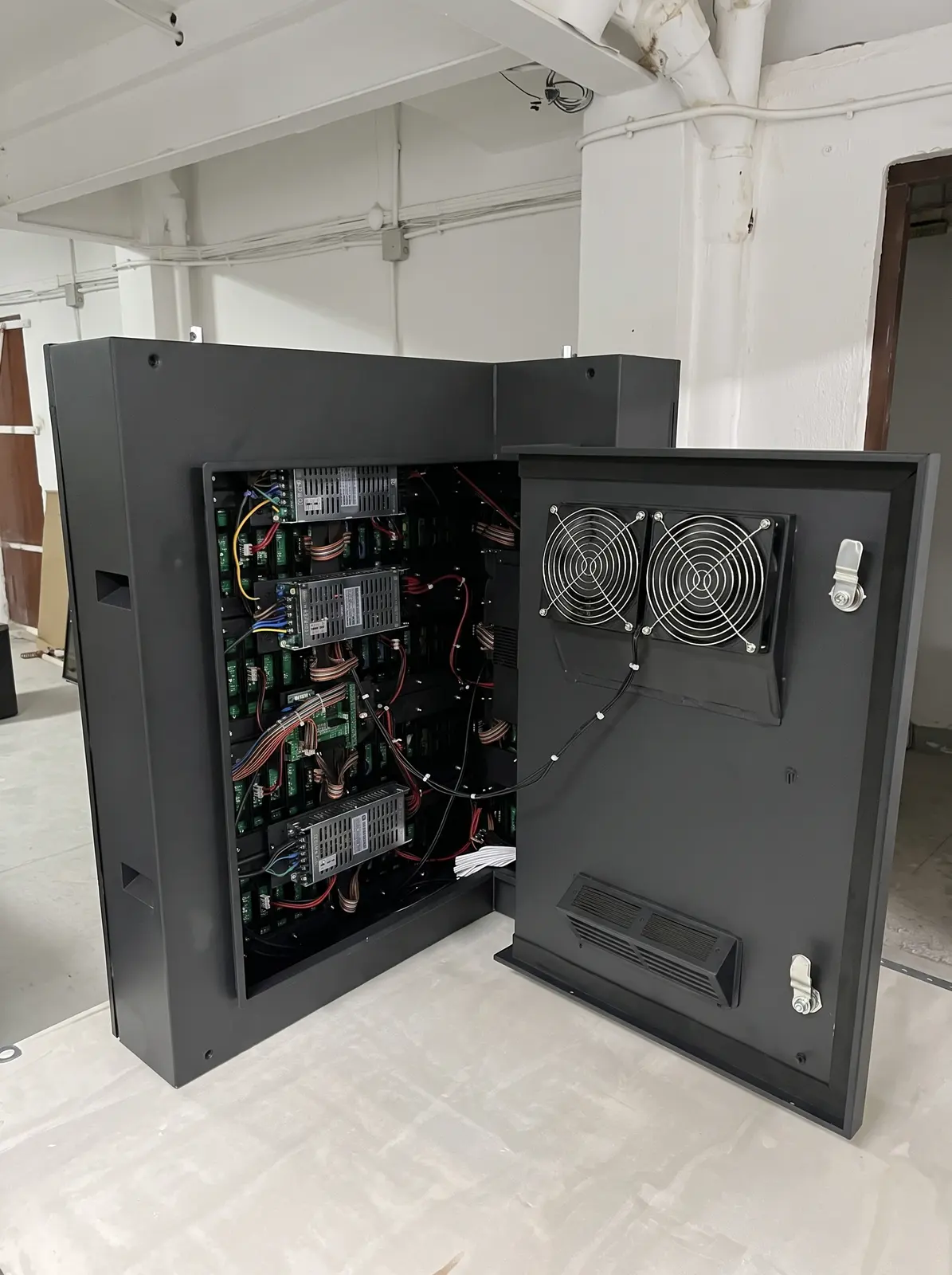
01 / INSTALLATION
We review the space and how you plan to use it to define the equipment and installation.
An installation ready to show your content.
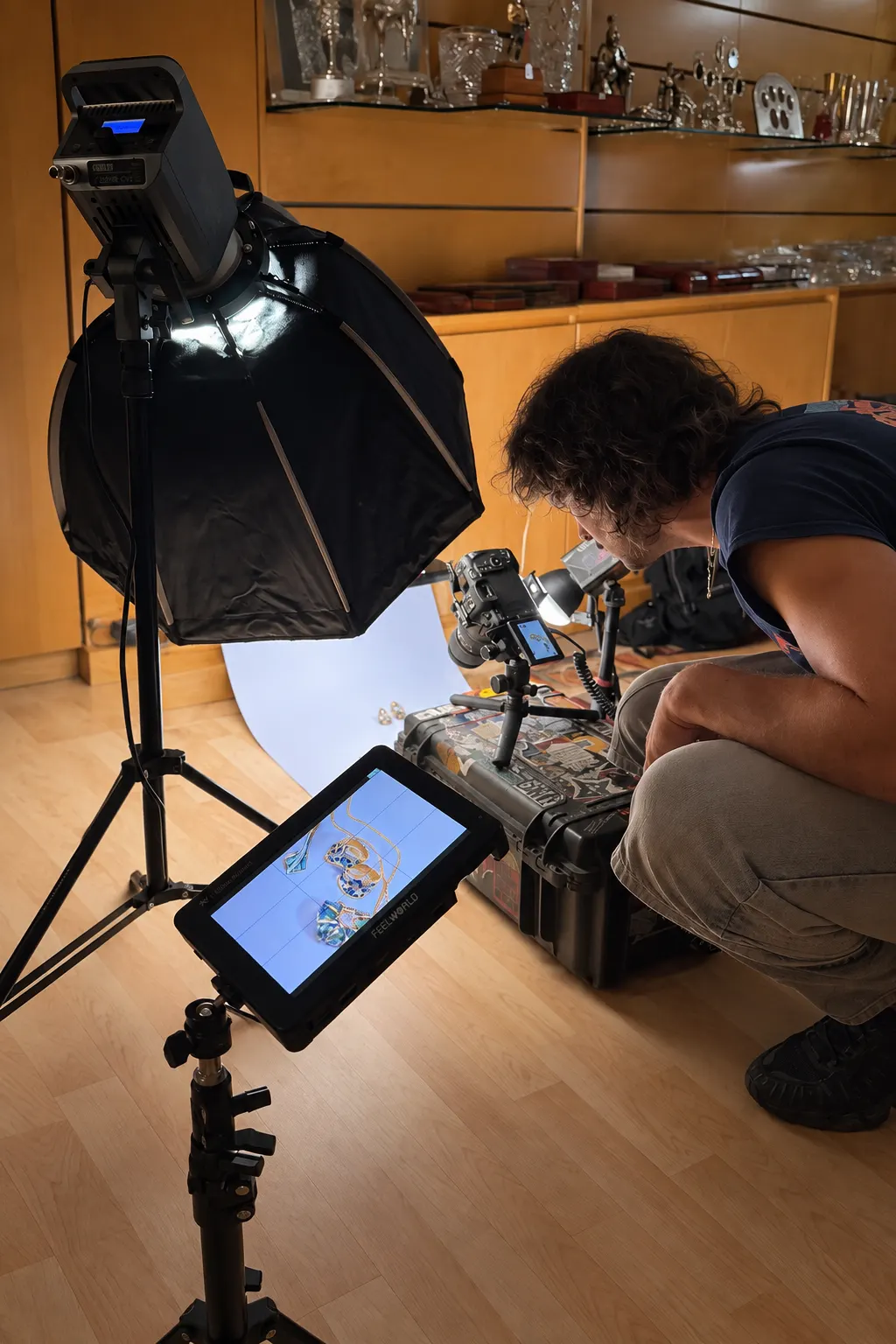
02 / CONTENT PRODUCTION
Publish your own materials or ask us to produce graphics and video for each campaign.
Your campaign adapted to where it will be seen.
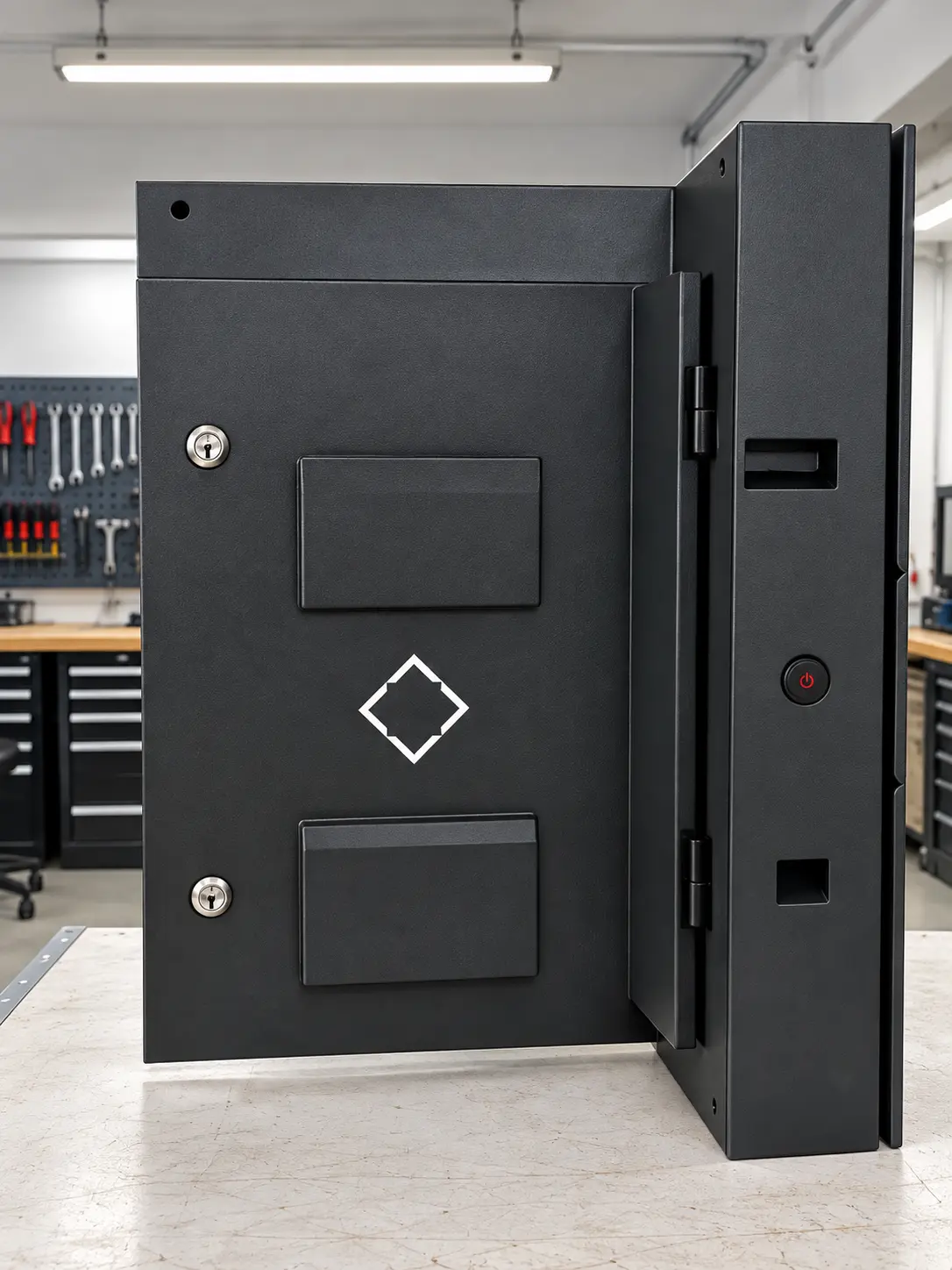
03 / SUPPORT & MAINTENANCE
We are here when the equipment needs attention or your team needs help with STUDIO.
One point of contact for installation and everyday use.
FREQUENTLY ASKED QUESTIONS
Yes, provided they support a compatible player. We review your installation and supply and install new equipment if needed.
Yes. Organise screens by location or area and choose whether they share a campaign or show different content.
The player keeps showing downloaded content. Once the connection is restored, it syncs with STUDIO again.
Yes. Set the start and end of each campaign. When it ends, the screen returns to its usual content.
Use the console from your computer or phone browser. Each screen needs a player to download and play its content.
REQUEST A STUDIO DEMO
Tell us how many screens you have and what you want to show. We will show you how to organise content and schedule it for your locations.